Multiple Shopping View Types at Diagram Level

Introduced support for multiple shopping view configurations at the diagram level, allowing flexibility in how items are displayed and interacted with:
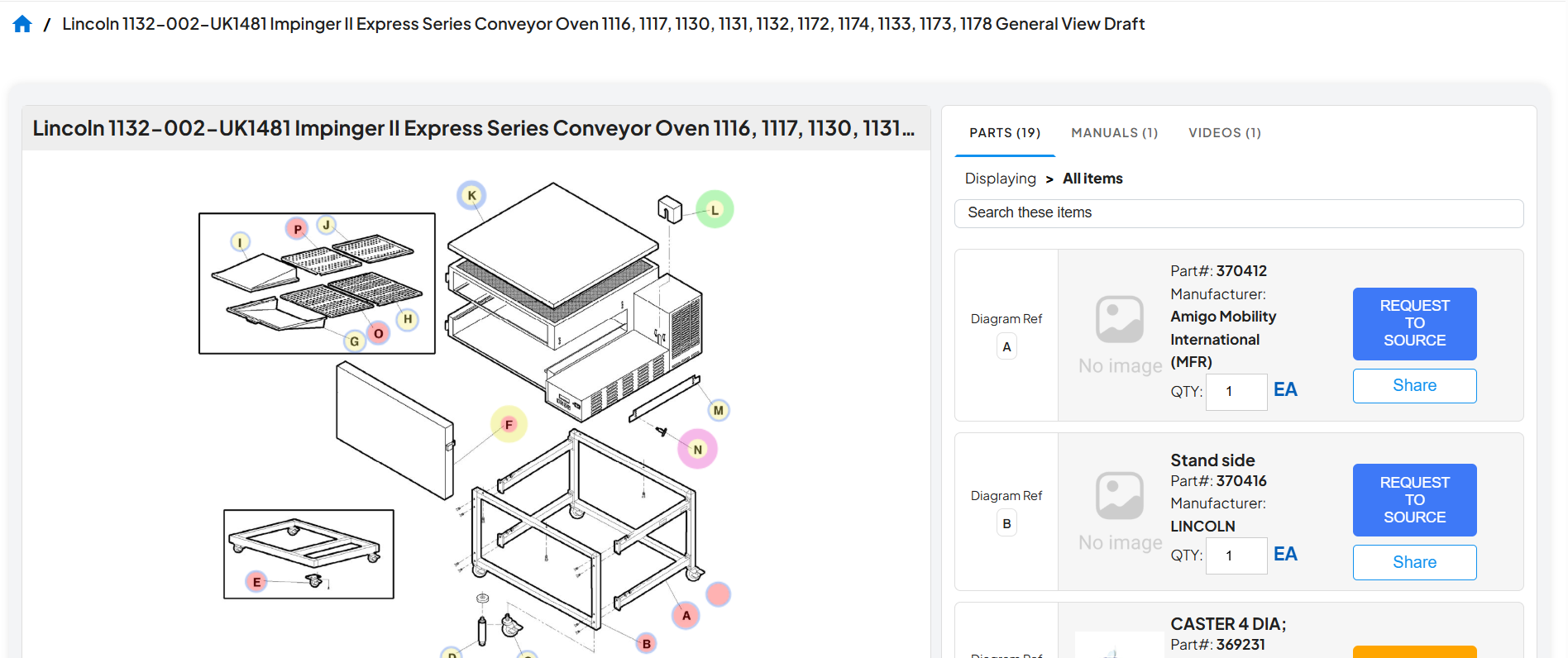
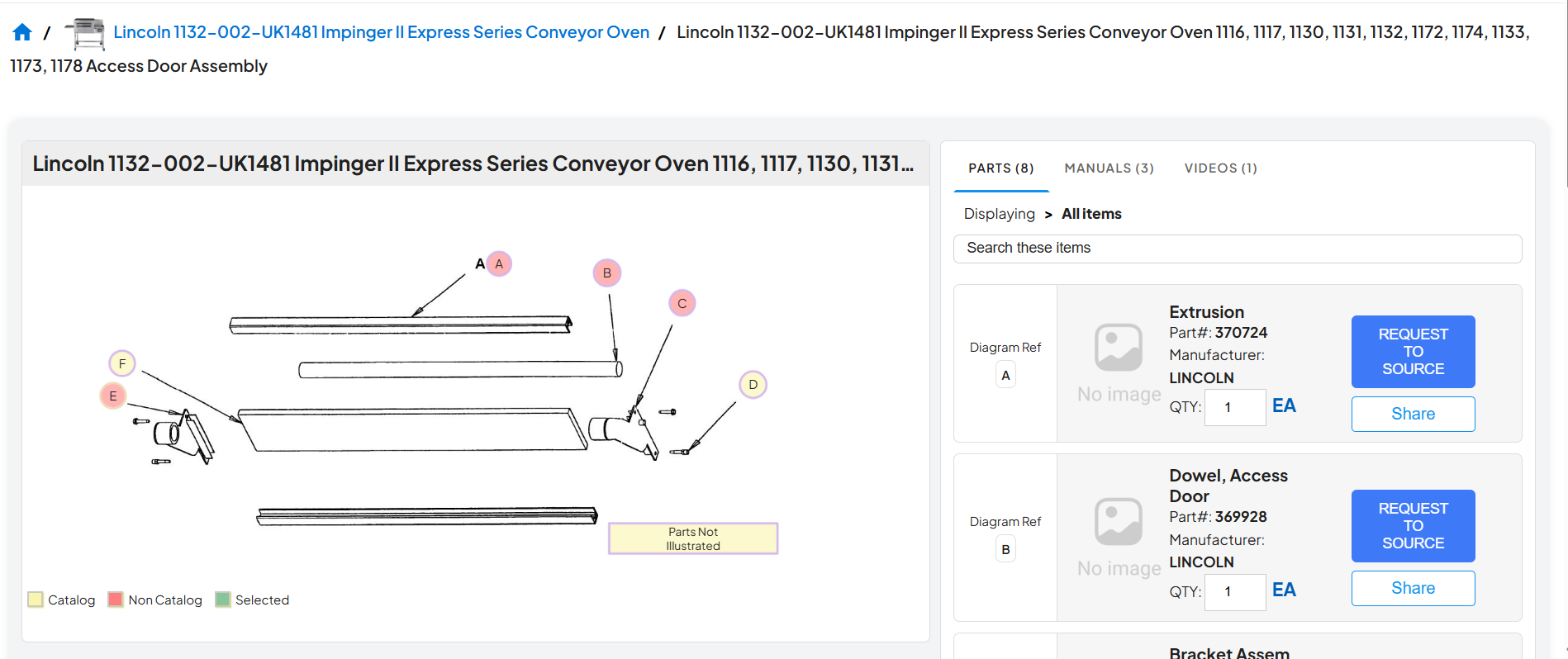
    • Assembly Diagram View
    • Click Target with Item Popup View
    • Click Target with Item Table View

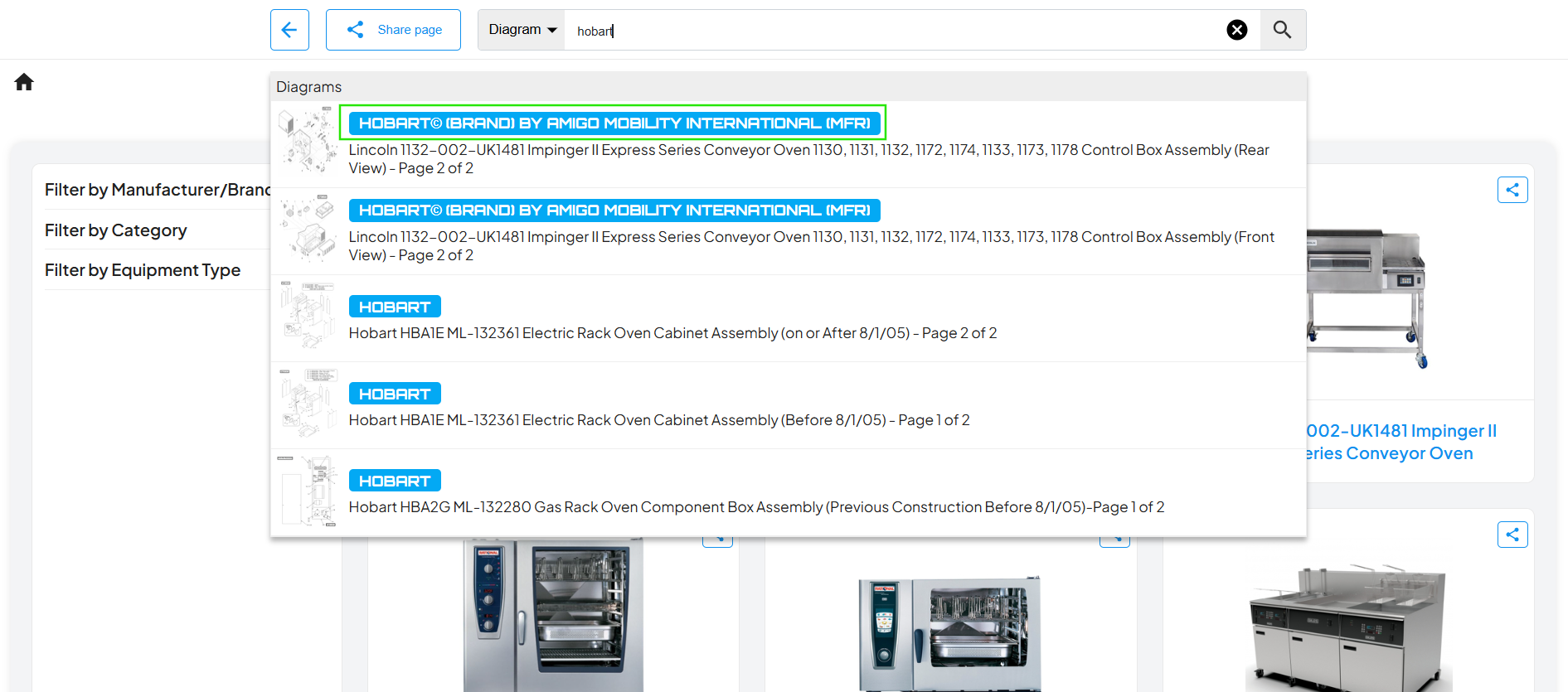
Autosuggestion Enhancement

 Improved autosuggestion functionality to display both Manufacturer and Brand names when a manufacturer is associated with multiple brands, enhancing search clarity and user selection accuracy.

Parts Enhancements

Improved parts-related functionality to enhance search and discovery:
    • Display part details within type-ahead search results for better context.
    • Updated the Parts landing tab to dynamically show parts based on search results, improving relevance and usability.
 

Configurable Hotspot Styling

Enhanced diagram customization by enabling hotspot border color and thickness to follow the configurations defined in the admin settings, ensuring consistent and flexible visual representation.

Hotspot Visibility Enhancement

Improved hotspot clarity by displaying the hotspot name directly on the hotspot with a masked background, ensuring better readability and enhanced visual visibility.

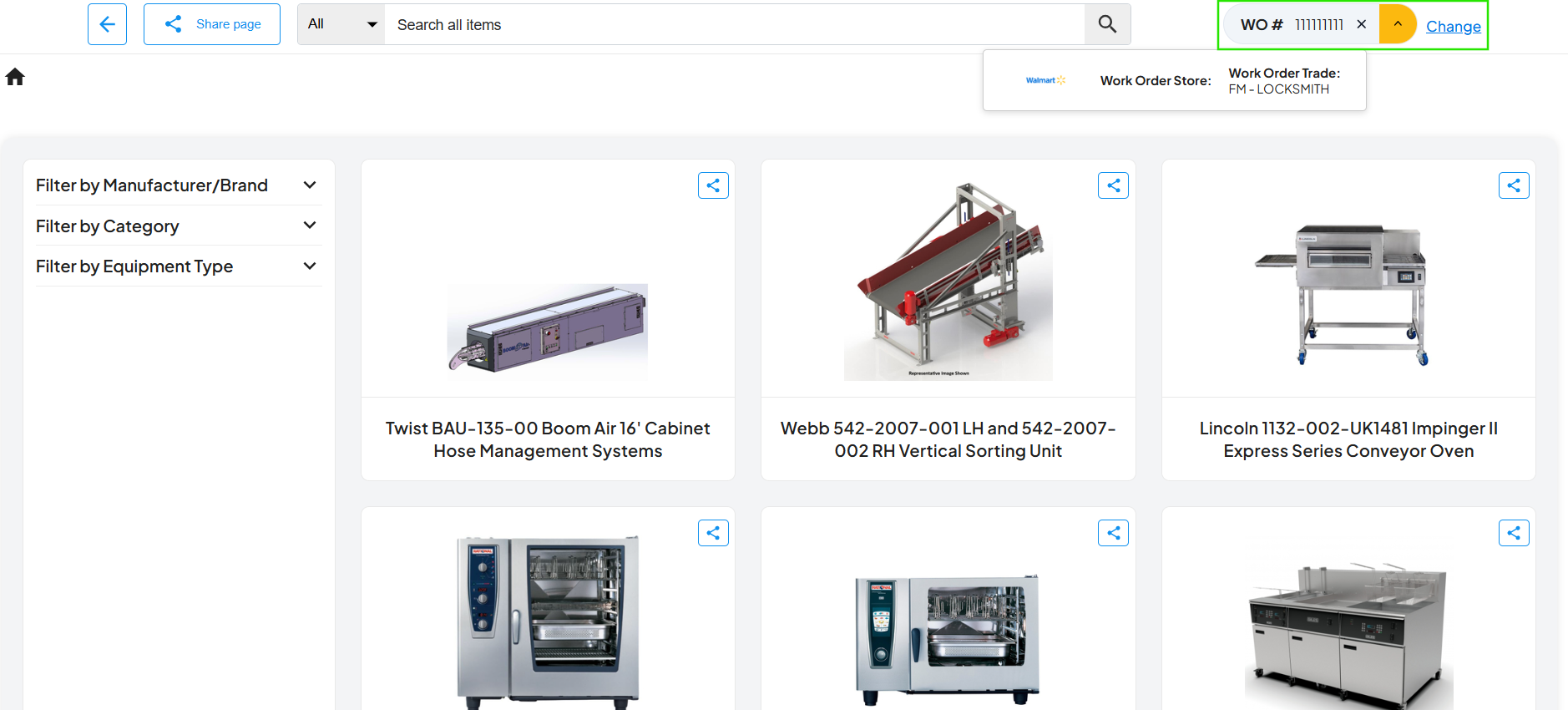
Work Order (WO#) Handling Enhancement

Enhanced the handling of Work Order (WO#) details within Pikclix, ensuring improved processing, visibility, and consistency across related workflows.

Auto-Suggestion Filtering by Type

Enhanced auto-suggestion behavior to strictly align with the selected field type. When “Diagrams” is selected, only diagram-related suggestions are displayed, excluding groups. Similarly, when “Groups” is selected, diagram suggestions are excluded, ensuring more accurate and relevant search results.


Auto-Suggestion Data Accuracy Fix

Resolved an issue where groups without assigned diagrams were appearing in the auto-suggestions during search. Updated the logic to ensure only groups with associated diagrams on the admin side are included, improving data relevance and accuracy.

Inactive Linked Diagram Handling

Updated the behavior to hide hotspots on the client side when the linked diagram is marked as inactive, ensuring only valid and active references are displayed.

Linked Diagram Hotspot Color Fix

Corrected the hotspot color for linked diagrams from red to yellow, ensuring accurate and consistent visual representation.