


Facets Display Control
Enhanced facet visibility on the client side by introducing conditional display based on the enableFilter and isPublic flags, ensuring only relevant and permitted filters are shown to users.
Enhanced Analytics Tracking
Improved analytics data capture by including additional fields such as Group Name and Diagram Name during the Add to Cart confirmation event, enabling more detailed tracking and insights.
Conditional Button Visibility Based on Work Order
Updated the visibility of “Request to Source” and “Buy Now” buttons to be controlled by the hasValidWorkOrder flag, ensuring appropriate actions are displayed based on the work order status.
Consolidated Display for Shared Part Numbers
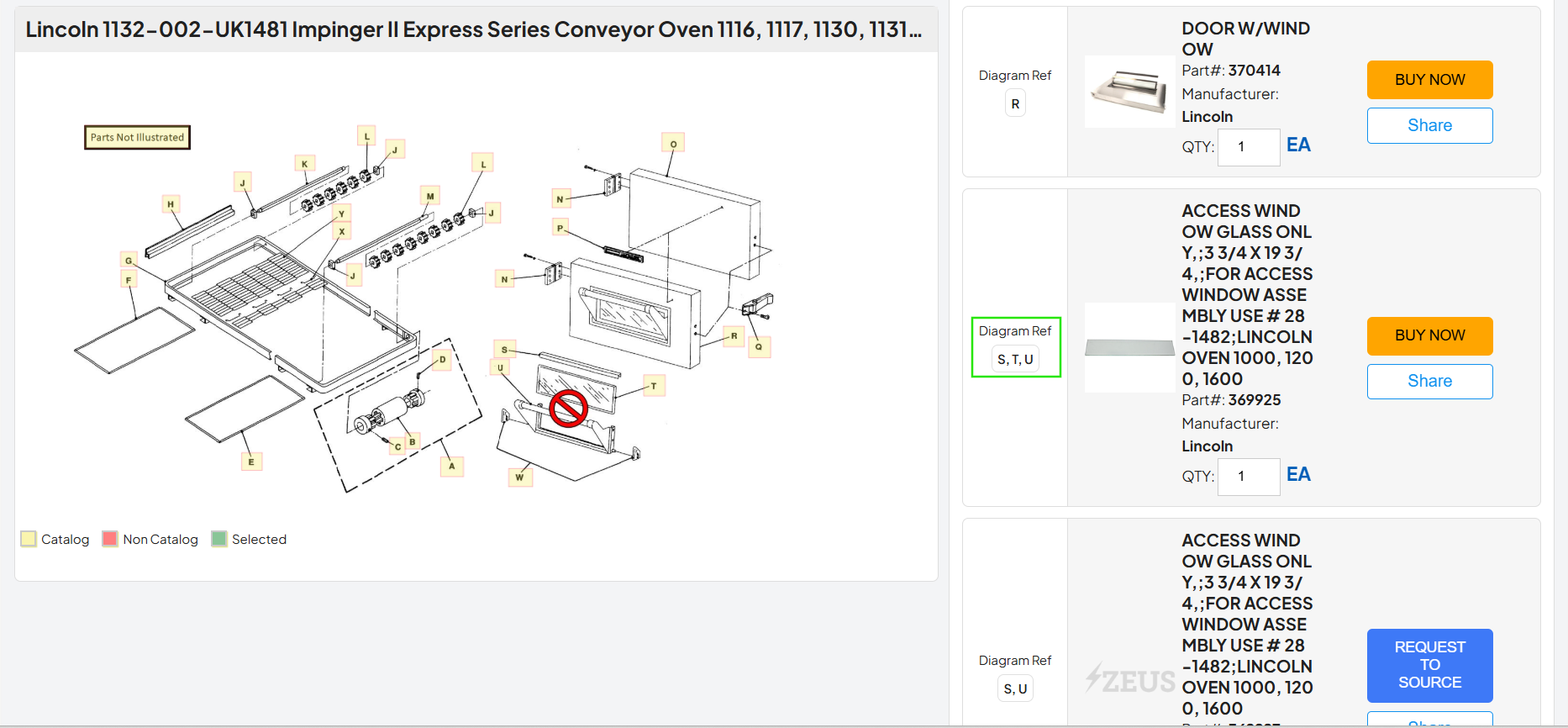
Enhanced the diagram detail page to display item details only once when the same part number is linked to multiple hotspots, along with a comma-separated list of the associated hotspot references, improving clarity and reducing duplication.
Mobile Navigation Fix
Resolved an issue where navigating via a copied link and using the back button would reload the same item. This has been fixed by properly resetting the navigation state after deep linking, ensuring expected back navigation behavior on mobile.
Web Navigation Fix
Resolved an issue on web where, after navigating from a copied link and returning to the home screen using the back button, the item list did not appear when selecting another diagram. This has been fixed by refreshing the item list and state on diagram change, ensuring proper data loading.