
Non-Catalog Item Messaging Update
When the non-catalog items placed from the interactive page are added to the Walmart non-catalog cart, the verbiage “Quantity 1EA of the following item added to cart successfully” has created confusion for the users since the non-catalog items are not seen in the shopping cart. So, when the user adds any non-catalog item and if the “isExistingUserCart” parameter is false, then the verbiage should be changed to read as “A ticket will be created for sourcing this non-catalog item; this part will not appear in the shopping cart.”
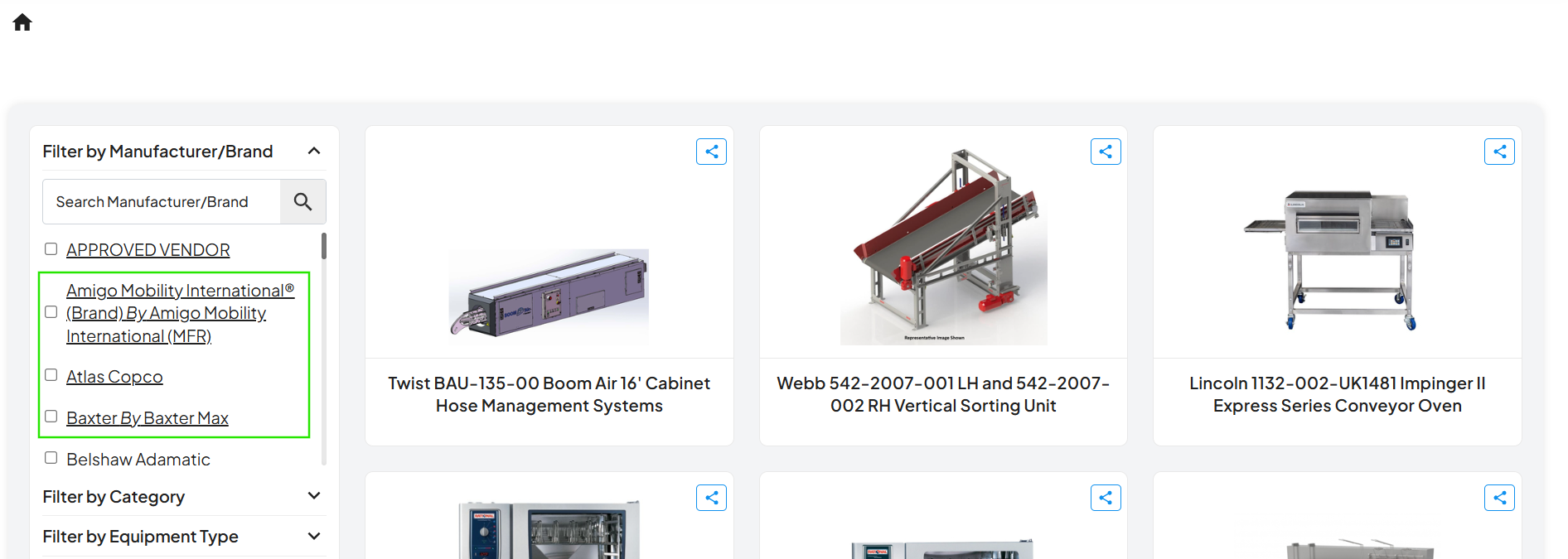
Brand and Manufacturer Filter Enhancement
Enhanced the brand and manufacturer facet to display values in the format “<Brand Name> by <Manufacturer>”. Users can now search by manufacturer to retrieve all associated brands, with the flexibility to select either all brands under a manufacturer or individual brands. This functionality is also supported in search, where querying by manufacturer returns results across all its associated brands.
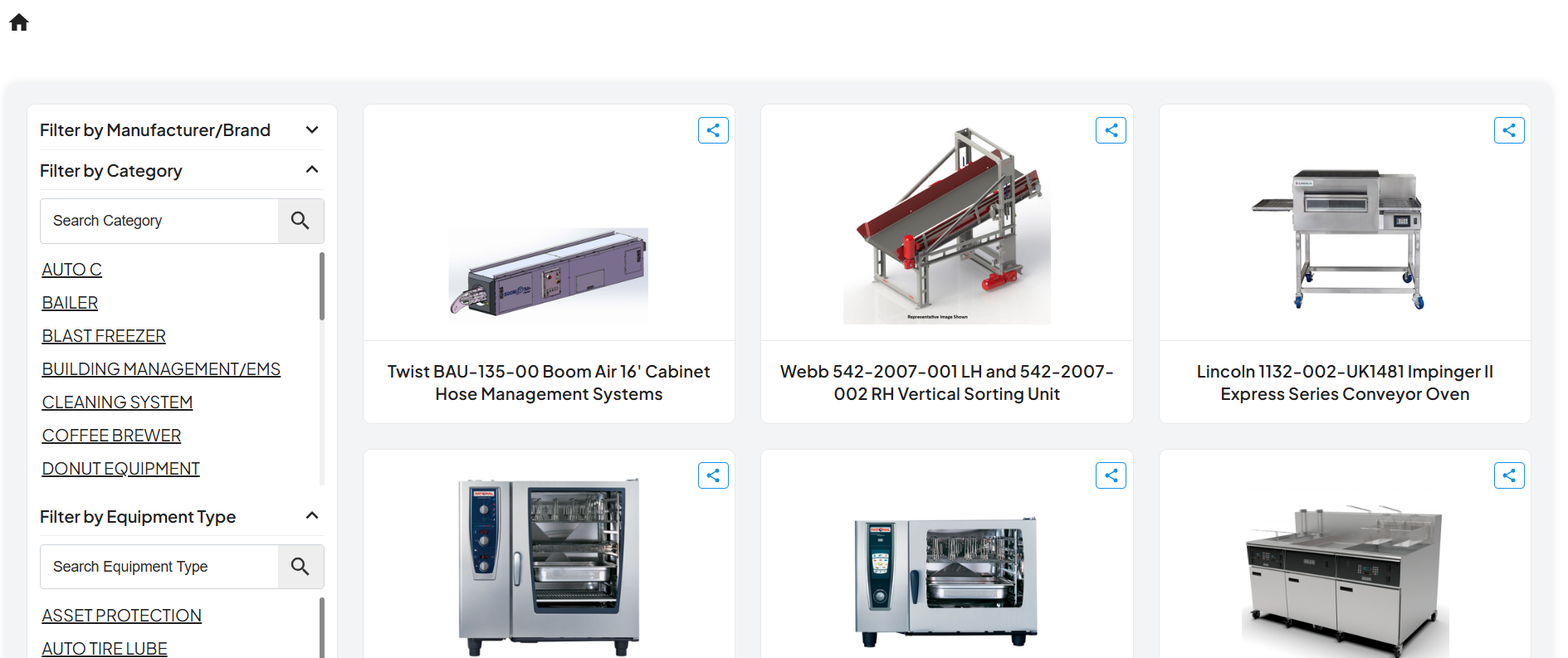
ENUM Property Support (Single & Multi-Select)
Introduced support for ENUM-based properties with both single-select and multi-select options. This enables properties such as Category and Equipment Type to be configured with predefined values, allowing users to select from dropdown lists instead of entering free-form text, thereby reducing data inconsistencies. Post-release, a data update is required to convert existing property values to the new ENUM data type.